⊹ ࣪ ˖ ૮( ˶ᵔ ᵕ ᵔ˶ )っ

Cloudy
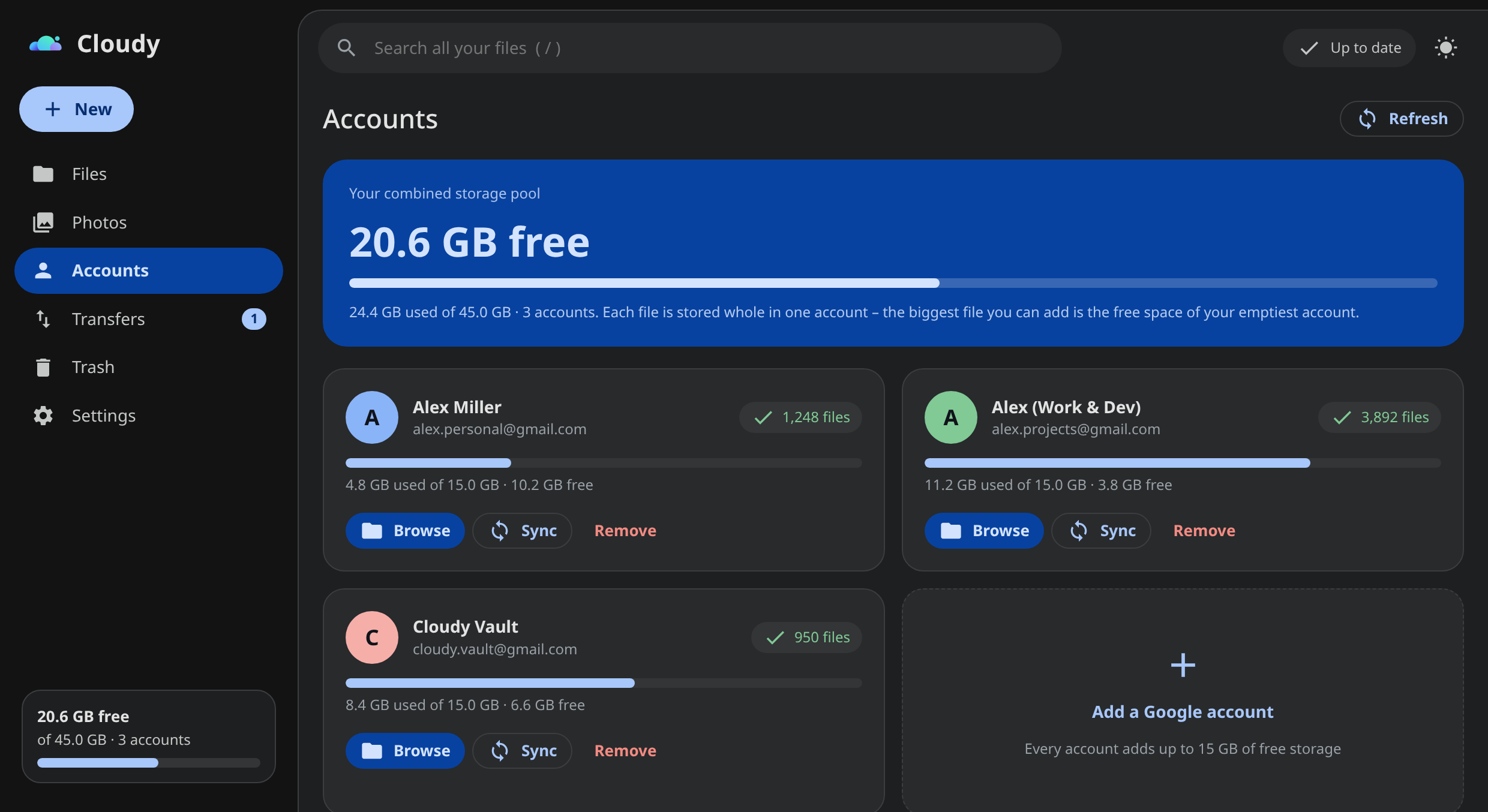
Every Google account comes with 15 GB. Cloudy glues them together into one big drive. Browse, upload, stream and download everything from a single window.
● open source · MIT
Linux · macOS · Windows
Rust + Tauri
talks only to Google
─────────────────────────────────────────────── ⊹ ࣪ ˖ ───────────────────────────────────────────────
────────────────────────────────────────────────────────────────────────────────────────
how it works
 you@gmail.com      ─┐
 spare1@gmail.com    ├─►  Cloudy  ─►  one drive · 15 GB × N
 spare2@gmail.com   ─┘
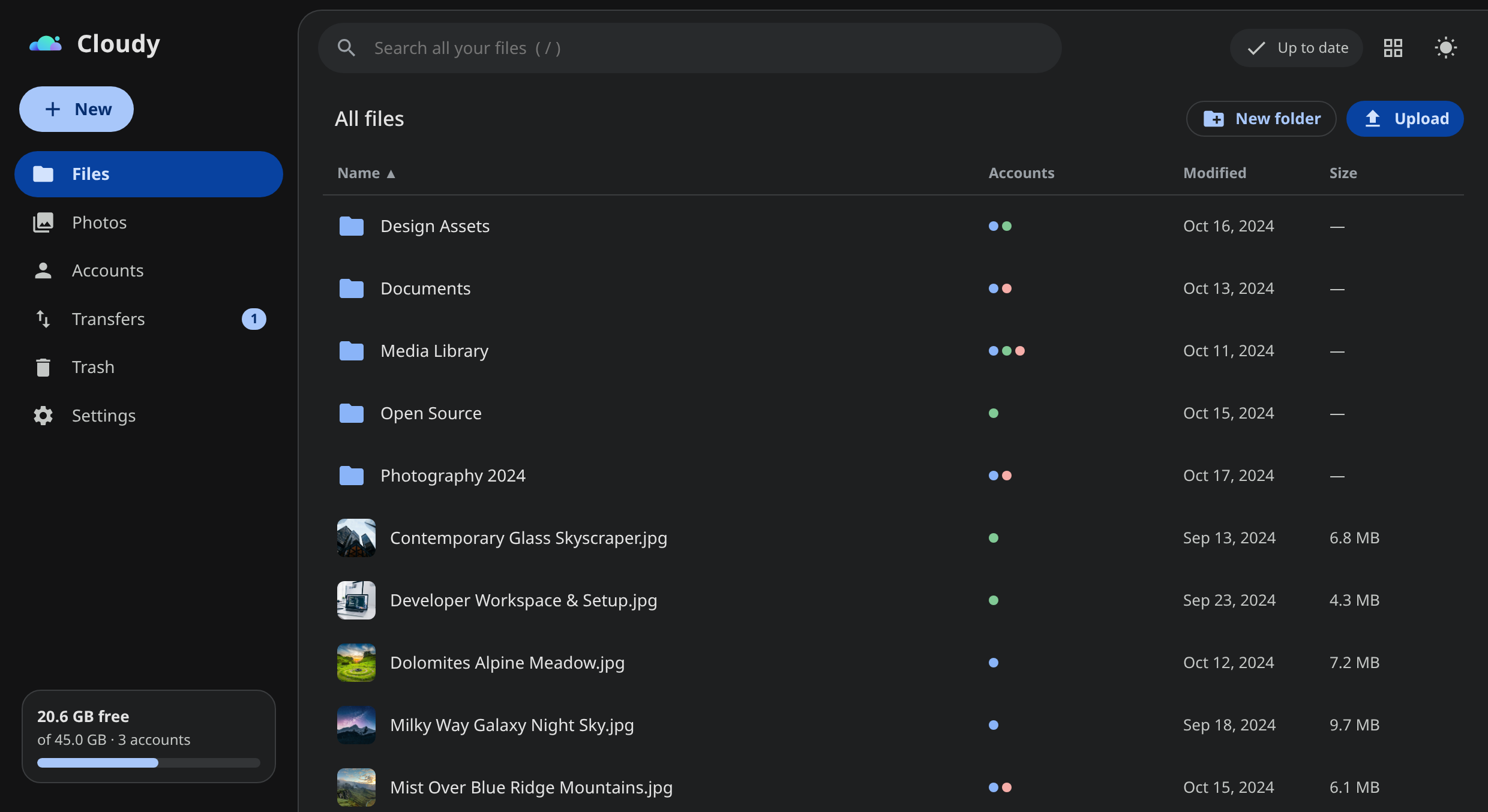
Same-named folders from different accounts are merged into one. Every file still lives whole in a single account, so nothing is split, re-encoded or locked in. Remove Cloudy any day and your files are still sitting in Google Drive.
────────────────────────────────────────────────────────────────────────────────────────
quick start
# grab the repo and build it git clone https://github.com/ARYAN007H/cloudy.git cd cloudy cargo build --release # desktop app ./target/release/clouddrive-gui # optional: mount the pool as a normal folder (Linux) ./target/release/clouddrive-fuse
Prefer a ready-made installer? Check Releases for Linux, macOS and Windows builds.
Cloudy uses your own free Google API credentials, so your files never pass through anyone else's server. A built-in wizard walks you through it (about 5 minutes, once). The long version is in the Setup Guide.
────────────────────────────────────────────────────────────────────────────────────────
first run
- Create a project in Google Cloud and enable the Drive API.
- Set up the OAuth consent screen and publish it In production so sign-ins don't expire every 7 days.
- Create an OAuth client of type Desktop app and paste the Client ID and secret into Cloudy.
- Click Add a Google account. Repeat for every account you own.
────────────────────────────────────────────────────────────────────────────────────────
features
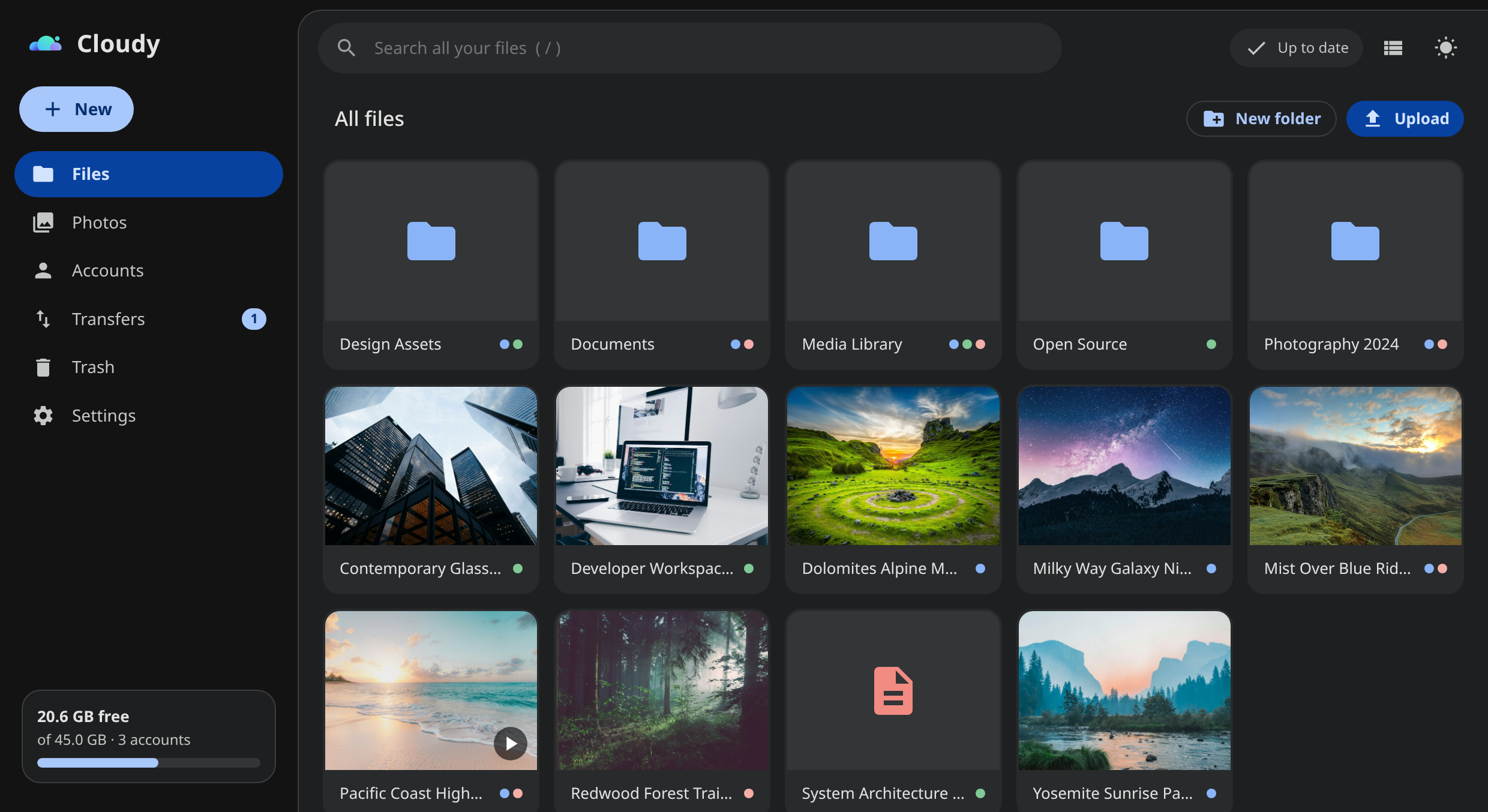
One pool, many accountsUnion view of every account, with same-named folders merged.
Smart placementNew files go to the account with the most room. Or round-robin. Or pin one.
Instant, offline-friendlyThe index is cached locally, so the app opens fast even without internet.
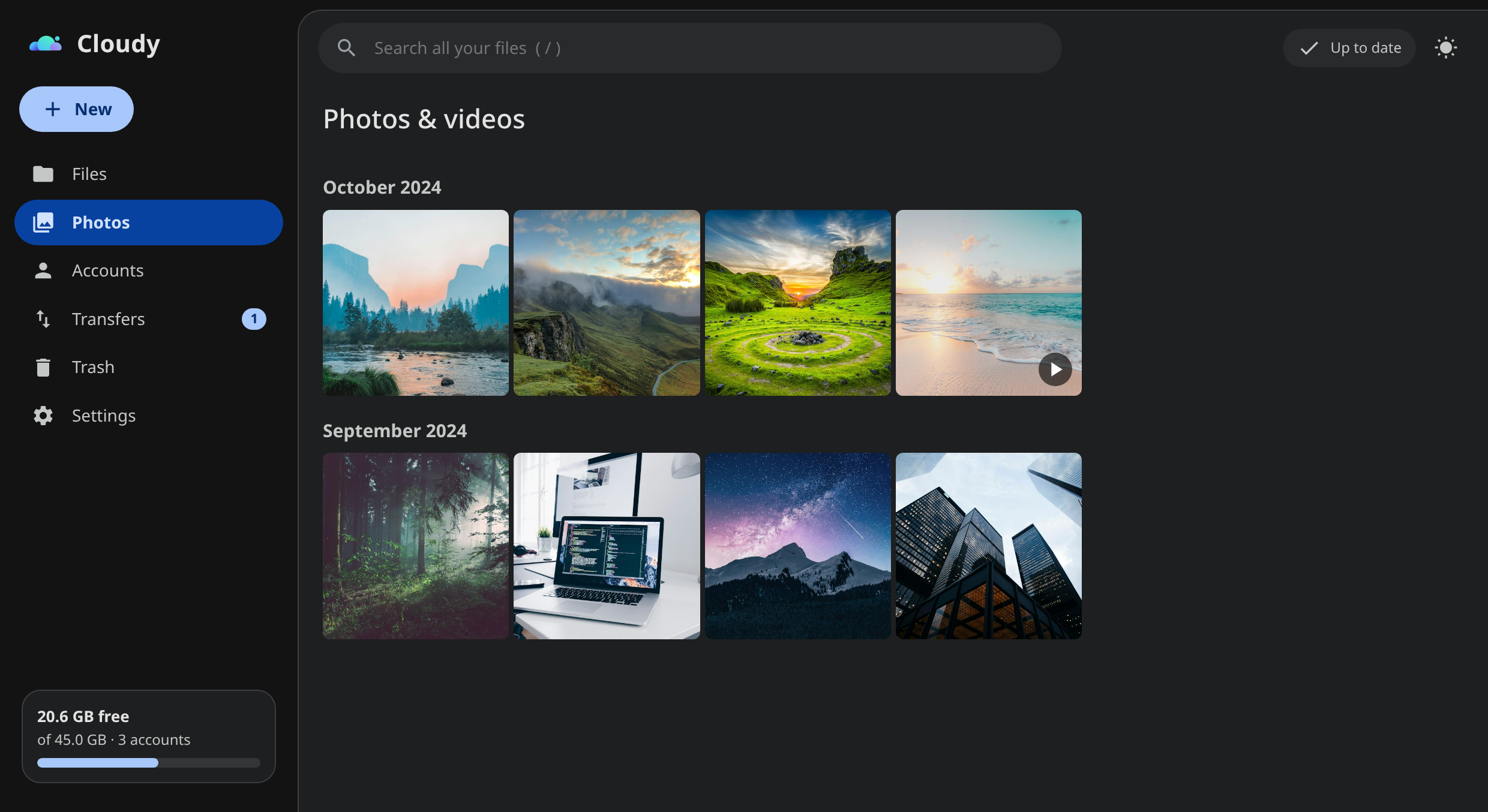
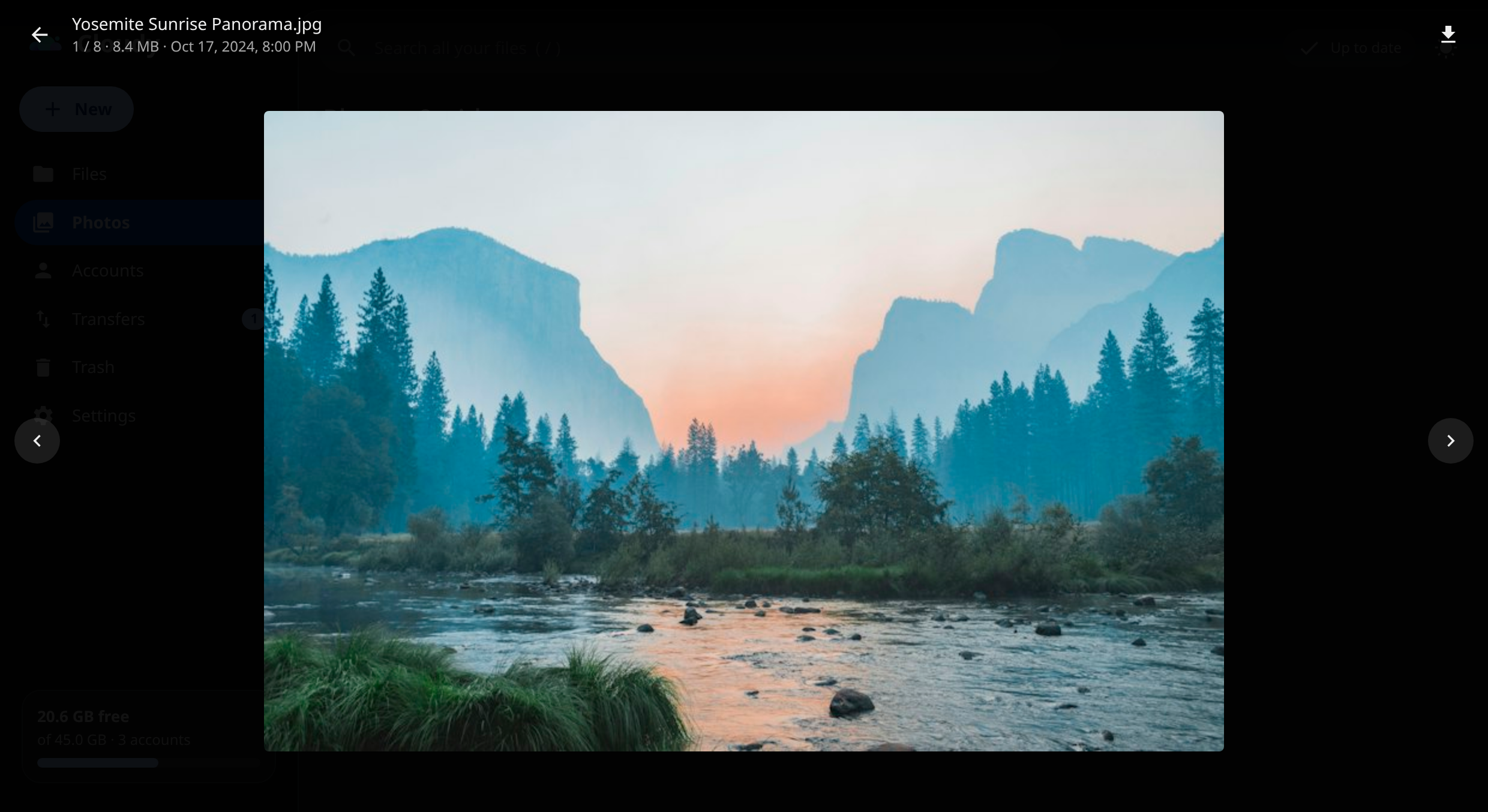
Photos & videoThumbnails, month grouping, full-screen viewer and seekable streaming.
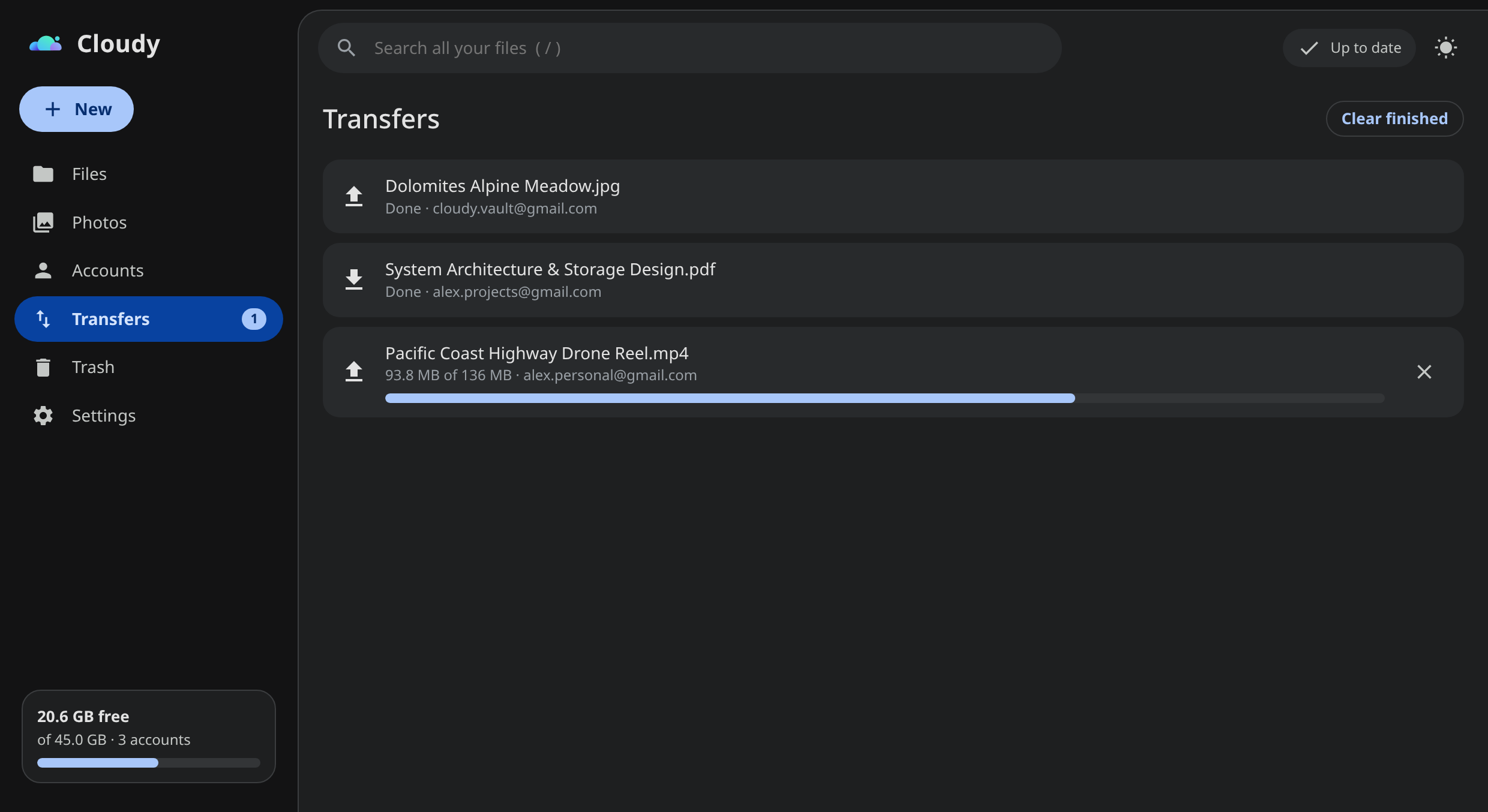
Resumable transfersProgress, cancel, retry, chunked uploads, whole-folder drag & drop.
Trash that tells the truthDrive's trash still eats quota. Cloudy shows it so you can free space.
Secure by defaultTokens live in your system keyring. No telemetry, no third-party servers.
FUSE mountExpose the pool as a regular folder with
clouddrive-fuse.────────────────────────────────────────────────────────────────────────────────────────
screenshots
────────────────────────────────────────────────────────────────────────────────────────
good to know
| storage is shared | An account's 15 GB covers Drive, Gmail and Google Photos together. |
|---|---|
| biggest file | Files aren't split, so the limit is the free space in your emptiest account. |
| moving files | Moves inside one account are instant. Between accounts needs a copy, so Cloudy declines. |
| shared with you | Files only shared with you aren't part of your pool. |
────────────────────────────────────────────────────────────────────────────────────────